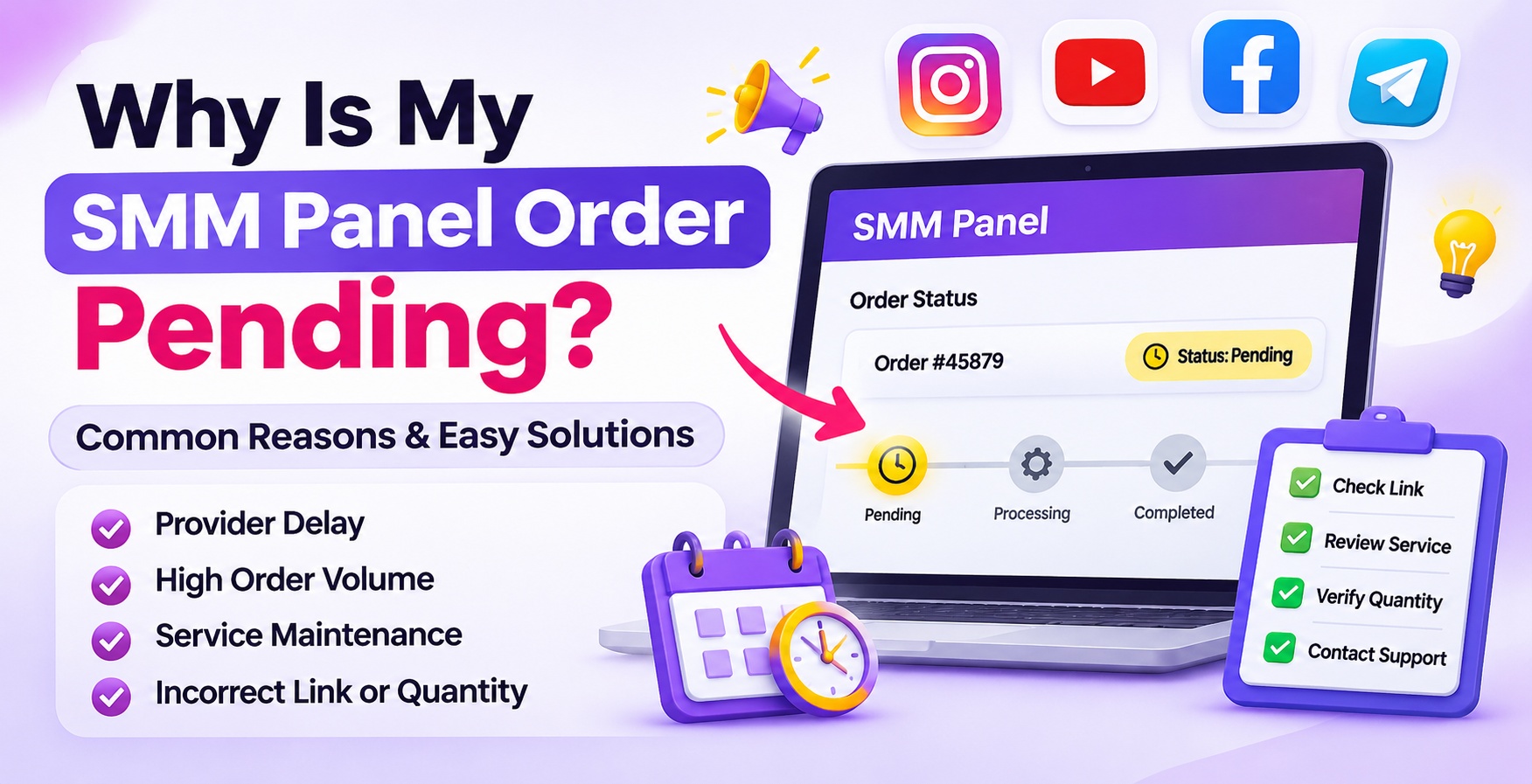
Why Is My SMM Panel Order Pending?
An SMM Panel order usually shows Pending when it has been received but processing has not started yet. Common reasons include provider delays, service maintenance, incorrect links, duplicate orders, or order validation issues. Check the service's estimated start time and submitted details before placing another order. If the order remains unresolved beyond the stated processing conditions, contact customer support with your order ID.
What Does Pending Mean in an SMM Panel?
When you place an order through an SMM panel, it generally passes through different stages before the requested service is completed.
The Pending status indicates that your order has been submitted but has not yet moved into active processing. It may be waiting for the service provider, initial validation, or service availability.
For example, suppose you order 1,000 Instagram followers through an SMM panel. Your order appears in the order history, but the follower count has not started changing. If the status still shows Pending, it generally means that processing has not started.
However, Pending does not automatically mean your order has failed. The actual reason depends on the selected service and its processing conditions.
7 Common Reasons Why Your SMM Panel Order Is Pending
1. High Order Volume
One common reason for pending orders is a high number of requests being submitted to the same service.
When a provider receives multiple orders simultaneously, new requests may have to wait until earlier requests are accepted or processed.
Example: If many users order Instagram likes or YouTube views through the same service at the same time, your request may remain pending until the provider can start processing it.
How to Fix It:
- Check the estimated start time in the service description.
- Allow the stated processing window.
- Avoid submitting the same order repeatedly.
- Contact support if the order remains pending beyond the stated conditions.
2. Third-Party Provider Processing Delay
Many SMM panels use external service providers to process social media orders. The panel may receive your request successfully, but the actual service provider may take additional time to accept it.
This can happen because of provider-side queues, technical interruptions, or processing limitations.
How to Fix It:
- Open your order history.
- Note the order ID and selected service.
- Check the stated processing time.
- Wait according to the service specifications.
- Contact support if the order does not move forward.
Changing your social media link will not necessarily solve a provider-side delay.
3. Service Maintenance or Temporary Unavailability
Sometimes a particular SMM service becomes temporarily unavailable because of maintenance or technical issues.
For example, an Instagram views service may experience a temporary interruption, while other services on the same panel continue working.
Possible Reasons:
- Provider maintenance.
- Temporary service suspension.
- API or technical interruptions.
- Changes in provider availability.
- Platform compatibility problems.
How to Fix It:
Check whether the selected service is currently available. Look for maintenance announcements or service updates. If the service remains unavailable, contact customer support instead of submitting repeated orders.
4. Incorrect or Unsupported Social Media Link
An order may remain pending if the submitted URL does not match the selected service requirements.
For example, a YouTube video views service may require an individual video URL, but the user submits a channel link instead.
Similarly, an Instagram Reel service may require a Reel link rather than a general profile URL.
How to Fix It:
- Open the original social media content.
- Copy its link using the platform's sharing option.
- Check the required URL format.
- Confirm that the selected service supports the content type.
- Contact support if you are unsure whether the submitted link is valid.
5. Duplicate or Overlapping Orders
Submitting multiple orders for the same profile, post, or video while an earlier order is still pending can create processing conflicts.
Some services restrict overlapping requests because they may interfere with order tracking or quantity management.
Example: You place an order for 2,000 YouTube views and, before it starts, submit another order for the same video. Depending on the service conditions, the second order may remain pending or face processing issues.
How to Fix It:
Check your order history before submitting another request. If an earlier order is still pending or processing, follow the service's multiple-order policy before placing a new one.
6. Incorrect Order Quantity or Service Requirements
Every SMM service may have minimum and maximum order limits. If your requested quantity falls outside those limits, the order may not proceed.
Some services may also require specific account or content conditions.
How to Fix It:
- Open the selected service.
- Check its minimum and maximum quantity.
- Review any starting requirements.
- Confirm that your target meets the stated conditions.
- Verify the order details before checkout.
Do not assume that every service supports the same quantity or eligibility requirements.
7. Account Privacy or Content Accessibility Issues
Some SMM services require a publicly accessible profile, post, video, or channel.
If the content is private, restricted, deleted, or otherwise inaccessible, the provider may not be able to process the request.
How to Fix It:
- Check the account's privacy settings.
- Confirm that the target content is still available.
- Review the selected service's public or private account requirements.
- Make sure the submitted link opens correctly.
- Avoid deleting or restricting the target during processing unless the service allows it.
How to Fix an SMM Panel Order That Is Stuck on Pending
If your order has remained pending longer than expected, follow these troubleshooting steps.
Step 1: Check Your Order Status
Log in to your SMM panel and open the order history. Find the relevant order and confirm its current status.
Note the order ID, service name, quantity, and submitted link.
Step 2: Review the Processing Time
Every service may have a different estimated start time. Check the service description to understand how long processing may take.
Do not assume that all SMM orders start immediately.
Step 3: Verify Your Submitted Link
Open the submitted URL and check whether it points to the correct profile, post, Reel, video, or channel.
If the link is incorrect, contact support to understand whether the order can be corrected or needs to be cancelled.
Step 4: Check for Duplicate Orders
Look through your order history to identify other active requests for the same target.
Avoid submitting another order until the existing request is resolved, unless the service specifically permits overlapping orders.
Step 5: Check Service Availability
Review service updates and availability information. A temporary provider interruption may be responsible for the delay.
Step 6: Contact Customer Support
If the order remains pending beyond its stated processing conditions, share the order ID and relevant details with support.
Suggested support message:
"My order is still showing Pending. Please check its current status and let me know whether there is any issue with the submitted link or service availability. My Order ID is [Enter Order ID]."
Step 7: Wait for Resolution Before Reordering
Do not immediately place another order for the same target. First confirm whether the original request will be processed, cancelled, or otherwise resolved.
Why Are Instagram, Facebook, YouTube and Telegram SMM Orders Pending?
Different platforms have different content formats, URL structures, and visibility requirements. Therefore, troubleshooting should depend on the platform and the selected service.
Instagram SMM Orders Pending
Instagram services may involve followers, likes, Reel views, post engagement, and other supported activities.
Common Issues:
- Incorrect Reel or post URL.
- Private account settings.
- Deleted or unavailable content.
- Unsupported content format.
- Duplicate requests for the same target.
Solution: Check whether the service requires a profile, Reel, or post link. Verify the account's visibility and review the service specifications.
Explore the Instagram SMM Panel to review available services.
Facebook SMM Orders Pending
Facebook services may involve Pages, posts, videos, likes, followers, or shares.
Common Issues:
- Incorrect Page or post link.
- Restricted content visibility.
- Deleted posts.
- Unsupported target format.
- Incorrect quantity.
Solution: Confirm whether the selected service supports your Facebook Page, post, or video. Check the link and service requirements before placing another order.
Explore the Facebook SMM Panel.
YouTube SMM Orders Pending
YouTube services may involve video views, subscribers, likes, comments, and other available options.
Common Issues:
- Submitting a channel URL instead of a video URL.
- Unavailable or restricted video.
- Unsupported content type.
- Provider processing delays.
- Incorrect service selection.
Solution: Check whether the service requires a channel or individual video link. Make sure the video is accessible and meets the listed requirements.
Explore the YouTube SMM Panel.
Telegram SMM Orders Pending
Telegram services may involve channel members, group members, post views, reactions, shares, and other supported activities.
Common Issues:
- Incorrect channel or group link.
- Private channel access restrictions.
- Unsupported post URL.
- Selecting the wrong Telegram service.
- Incorrect link format.
Solution: Confirm whether your order is for a channel, group, or individual post. Check the link format and privacy requirements mentioned in the service description.
Explore the Telegram SMM Panel.
How Long Should an SMM Panel Order Stay Pending?
There is no universal processing time for every SMM service. Some orders may start quickly, while others may take longer because of provider availability, order volume, or service-specific requirements.
Before placing an order, check the following details:
- Estimated start time.
- Average processing information, if provided.
- Minimum and maximum order quantity.
- Supported content format.
- Additional service requirements.
If the order exceeds the stated processing conditions, contact support with your order ID.
Pending vs Processing vs Cancelled: What's the Difference?
Pending: The order has been received but processing has not started.
Processing: The service has started working on the request.
Cancelled: The order has been stopped before full completion.
Completed: The panel has marked the requested order as completed.
Partial: Only part of the requested quantity has been processed.
Understanding these statuses helps you decide whether to wait, investigate an issue, or contact support.
Common Mistakes to Avoid When an Order Is Pending
- Placing the same order repeatedly without checking the previous status.
- Changing the target URL while the order is active.
- Ignoring the estimated start time.
- Selecting a service without reading its description.
- Submitting a private or inaccessible target when public access is required.
- Assuming every pending order is a failed order.
- Requesting cancellation before checking the service conditions.
Avoiding these mistakes can make order management easier and reduce unnecessary support requests.
Frequently Asked Questions
Q1. Why is my SMM Panel order pending?
Your order may be waiting for provider processing, service availability, or initial validation. Check the estimated start time and service requirements before taking further action.
Q2. Does pending mean my SMM Panel order has failed?
No. Pending means processing has not started yet. A failed or cancelled status indicates a different order outcome.
Q3. How long does an SMM Panel order take to start?
The start time depends on the selected service and provider availability. Check the estimated start time mentioned in the service description.
Q4. Should I place another order if my first order is pending?
No, not immediately. Check your existing order and the service's duplicate-order policy before submitting another request for the same target.
Q5. Can an incorrect link keep an SMM Panel order pending?
Yes. An incorrect or unsupported URL may prevent an order from passing the required checks. Verify that the link matches the selected service.
Q6. Why is my Instagram SMM order pending?
Possible reasons include provider delays, private account settings, incorrect Reel or post links, and unsupported content formats. Check the selected service's requirements.
Q7. Why is my YouTube order not starting?
Your order may be waiting for provider processing or may have an incorrect or unsupported video link. Review the service description and target URL.
Q8. Can duplicate orders affect pending status?
Yes. Some services restrict overlapping orders for the same target. Check your existing order history before submitting another request.
Q9. Should I cancel a pending SMM Panel order?
Do not cancel it without checking the service conditions. First understand the processing time and contact support if the order remains unresolved.
Q10. What should I do if my SMM Panel order remains pending for too long?
Check the estimated start time, verify the submitted link, and contact customer support with your order ID if the stated processing conditions have passed.
Final Thoughts
An SMM Panel order showing Pending does not automatically mean that something has gone wrong. Provider delays, high order volume, service maintenance, incorrect links, duplicate orders, and account eligibility can all affect when processing begins.
The best approach is to check your order status, review the service description, verify the submitted link, and avoid placing repeated orders for the same target.
If you want to explore social media marketing services, visit SMMPanel2 and review the relevant Instagram, Facebook, YouTube, and Telegram service categories before placing an order.
About the Author
Shevam – SEO & Digital Marketing Expert
Shevam has over 10 years of experience in SEO and digital marketing. His expertise includes search visibility, digital growth strategies and online marketing platforms.
Through SMMPanel2, he shares information about social media marketing services, platform features and digital growth strategies.
Read more about the author on the SMMPanel2 Author Profile.