What Does Refill Mean in an SMM Panel?
If you use an SMM panel to order social media services, you may come across a feature called refill. But what does refill mean in an SMM panel, and when should you use it?
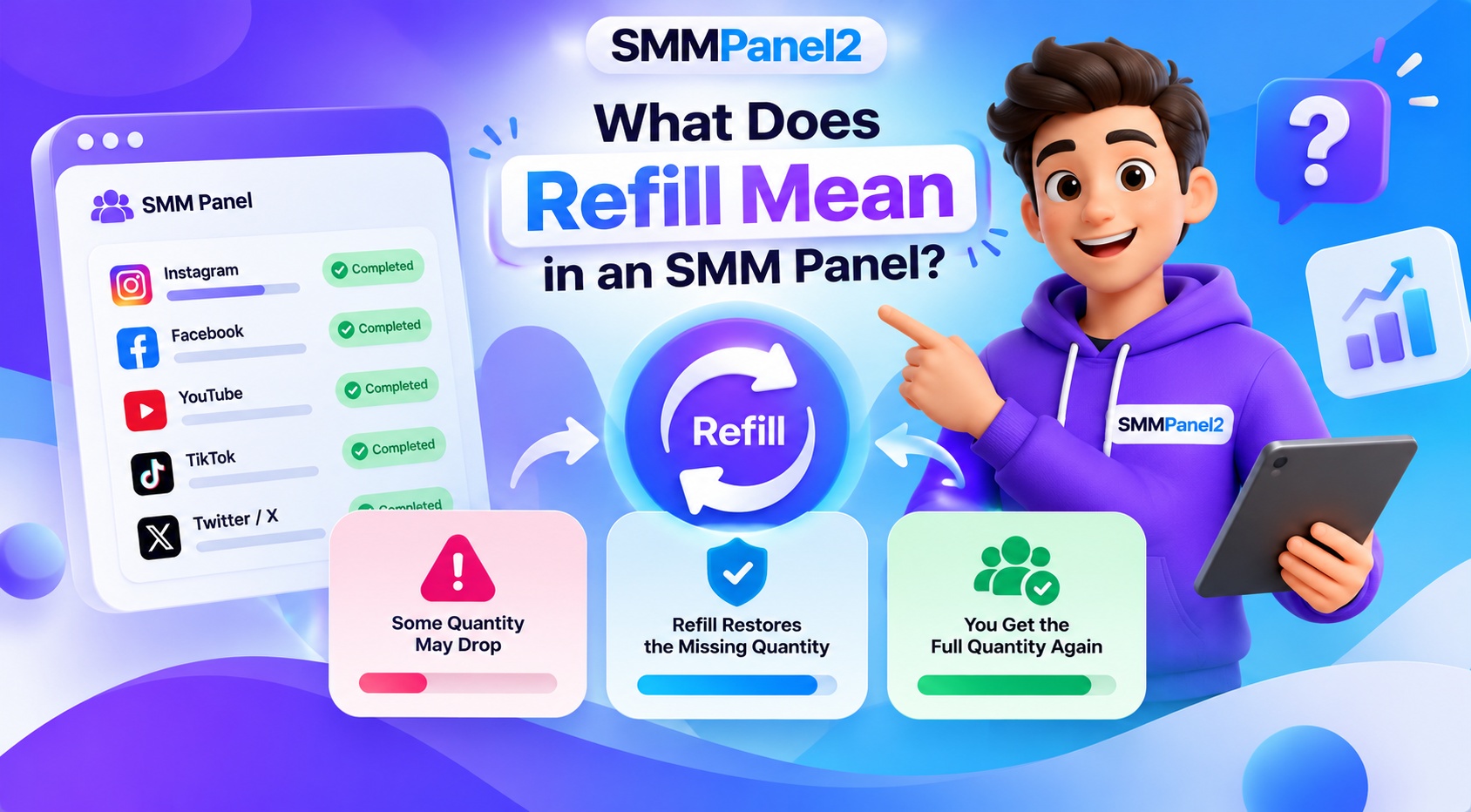
An SMM panel refill is a feature that allows eligible customers to request a replacement for a specified decrease in delivered service metrics, such as followers or subscribers, when the service includes refill protection. The exact conditions depend on the provider's policy and the individual service.
For example, if you order an eligible follower service and the delivered count decreases during the covered period, you may be able to submit a refill request. However, not every service includes this feature, and a refill is not necessarily automatic or guaranteed.
Understanding the refill policy before placing an order can help you choose a suitable service, avoid misunderstandings and manage your orders more effectively.
What Is a Refill in an SMM Panel?
A refill in an SMM panel is a service feature that may allow a customer to request a replacement for a qualifying decrease in the delivered quantity. It is commonly associated with follower or subscriber services, although availability depends on the platform and provider.
For example, imagine that you order 1,000 followers through an eligible service. After delivery, the displayed count decreases. If the service has an active refill policy and the decrease meets its conditions, you may be able to request a refill for the eligible amount.
This does not mean every decrease qualifies. The service may have a specific refill period, eligibility requirements, quantity limits or other conditions.
Before ordering, check the service description to understand whether refill protection is included and how it works.
To explore related information, read our guide on SMM Panel Refill Features and How They Work.
How Does an SMM Panel Refill Work?
The refill process depends on the provider's system and the selected service. In general, it may involve the following steps:
- Place an eligible order: Choose a service that explicitly includes refill protection, if that feature is available.
- Wait for delivery: Allow the original order to reach the required status according to the service conditions.
- Monitor the delivered metric: Check whether the relevant count has decreased.
- Review eligibility: Confirm that the order is still within its refill period and meets the applicable conditions.
- Submit a refill request: Use the available refill option or contact support, depending on the provider's process.
- Track the request: Check the dashboard or support response for updates.
These steps describe a general workflow. The exact process, status labels and eligibility rules can vary between SMM panels.
For a broader explanation of order placement and management, visit How SMM Panel Works.
Why Do Followers or Subscribers Drop After Delivery?
A decrease in social media metrics can happen for several reasons. Understanding the possible causes helps explain why refill policies have specific conditions.
- Platform Reviews and Account Removals: Social media platforms may review accounts and remove accounts or activity that they consider inauthentic or in violation of their rules. Such actions can affect visible follower or subscriber counts.
- Changes in Displayed Metrics: Platform metrics may sometimes change because of updates, reporting adjustments or differences in how counts are displayed. A change in a displayed number does not always mean the same quantity has been lost in a service delivery.
- Service-Specific Retention: Different services may have different retention characteristics and conditions. A service that includes refill protection may cover certain qualifying decreases, while a service without refill protection may not provide a replacement.
Why Every Drop May Not Qualify
A refill request may be unavailable if the service does not include refill protection, the eligibility period has expired, the order does not meet the policy conditions or the decrease falls outside the covered amount.
For these reasons, review the service description and applicable terms instead of assuming every decrease will be replaced.
How Does an SMM Panel Refill Policy Work?
An SMM panel refill policy explains the conditions under which a customer may request a replacement for a qualifying decrease in a delivered service metric.
Before ordering, check the following details.
- Refill Period: The refill period is the timeframe during which an eligible order may qualify for a refill request. It varies by provider and service. For example, a service might specify a particular number of days of refill protection. That period should be confirmed in the actual service listing rather than assumed to apply to every order.
- Refill Eligibility: Some services include refill protection, while others do not. Eligibility may depend on the service type, order status, time since delivery and other stated conditions. Always check the service description before placing an order.
- Minimum Drop or Quantity Conditions: A service may specify a minimum decrease or other requirements before a refill request can be accepted. The exact rules depend on the provider. If the service has no clearly stated minimum-drop requirement, do not assume one applies.
- Refill Availability After the Period Expires: A request submitted after the applicable refill period may not qualify. Check the deadline and submit eligible requests according to the provider's stated process.
- Refill and Cancellation Terms: Refill protection and cancellation policies are different. A refill relates to a qualifying decrease after delivery, while cancellation concerns whether an order can be stopped or cancelled under the provider's terms.
Review the relevant policy before submitting a request.
How to Request a Refill in an SMM Panel
If your service includes refill protection, follow the provider's stated process. The steps below describe a general approach; the actual dashboard options may differ.
Step 1: Open Your Order History
Sign in to your SMM panel and open the order-history or order-management section. Find the order for which you want to request a refill.
Step 2: Check the Order Details
Review the order ID, service name, delivery status and applicable refill conditions. Confirm that the order is eligible and still within the stated refill period.
Step 3: Find the Refill Option
If the dashboard provides a refill button or action for the eligible order, follow the displayed instructions.
Not every panel provides a refill button, and not every order is eligible for one.
Step 4: Submit the Request
Submit the refill request using the available dashboard feature or the provider's documented support process. Include the correct order details if requested.
Avoid submitting repeated requests for the same issue unless the provider instructs you to do so.
Step 5: Track the Refill Status
Check the dashboard or support response for updates. Processing times depend on the provider and service.
If the option is unavailable, review the service policy before contacting support.
For additional guidance on service selection and order management, explore the SMMPanel2 Services page.
What Do Refill Request Statuses Mean?
Refill status labels vary by provider, but the following are common examples of what a dashboard might display.
Pending
The request has been submitted but has not yet been processed or reviewed.
In Progress
The request is being processed. The replacement, if approved, may not have been completed yet.
Completed
The refill request has been marked as completed. Check the relevant metric or order information to understand the outcome.
Rejected or Unavailable
The request may not meet the service's eligibility conditions, or refill protection may not be available for that order.
These are general interpretations, not confirmed SMMPanel2 dashboard definitions. Always follow the descriptions shown in your actual account.
Automatic Refill vs Manual Refill
SMM panels may handle eligible refill requests differently. Some services or systems may offer automated processing, while others require the customer to submit a request.
What Is Automatic Refill?
Automatic refill refers to a system that initiates a qualifying refill process without requiring the customer to submit a separate manual request for every eligible case. Availability depends on the provider and service.
What Is Manual Refill?
Manual refill generally requires the customer to locate the order and submit a request using the available dashboard feature or support process.
Does Every SMM Panel Offer Both Options?
No. Some providers may offer one method, both methods or neither. Do not assume a service includes automatic refill unless the service description explicitly confirms it.
Before placing an order, check whether refill protection is included and whether the process is automatic or manual.
Refill vs No-Refill Services: What's the Difference?
The main difference is whether the service includes a policy that allows eligible replacement requests after a qualifying decrease.
- Services With Refill: A service with refill protection may allow a customer to request a replacement within the stated period, provided all eligibility requirements are met. The coverage may have limitations, so review the terms before ordering.
- Services Without Refill: A no-refill service does not include the same refill protection. If the delivered metric later decreases, the customer may not be eligible for a replacement under that service.
Which Service Should You Choose?
Compare the service price, delivery estimates, refill conditions, quantity limits and other terms before deciding.
A lower-priced service is not automatically the better option if its conditions do not meet your requirements. Similarly, a service with refill protection does not guarantee permanent followers, subscribers or engagement.
When comparing a cheap SMM panel, review the complete service details rather than comparing prices alone.
What Should You Check Before Choosing an SMM Panel Refill Service?
Before placing an order, review these important details:
- Refill protection: Confirm whether the service explicitly includes refill.
- Coverage period: Check how long refill eligibility lasts.
- Eligible service type: Confirm which platform, account or content type the policy covers.
- Request deadline: Understand when a refill request must be submitted.
- Quantity conditions: Review any minimum-drop or other eligibility requirements.
- Processing method: Check whether the request is automatic or manual, where specified.
- Pricing: Compare the price against the service's stated features and conditions.
- Support options: Know how to contact the provider if a request cannot be submitted or needs investigation.
These checks can help you make an informed decision and understand what to expect from the service.
If you are comparing different services, browse the SMMPanel2 service catalogue and review the details provided for each listing.
Frequently Asked Questions
Q1. What does refill mean in an SMM panel?
Refill means that an eligible customer may request a replacement for a qualifying decrease in a delivered service metric, such as followers or subscribers. The availability and conditions depend on the selected service's refill policy.
Q2. Is an SMM panel refill free?
A refill may be included as part of an eligible service, but the exact terms depend on the provider and service listing. Check whether refill protection is included and whether any conditions or exclusions apply before ordering.
Q3. How long does an SMM panel refill take?
The processing time varies by provider, service and request status. Check the service description or provider's support information for the applicable timeframe rather than assuming every refill is instant.
Q4. How do I use the refill button in an SMM panel?
If your order is eligible and the dashboard provides a refill button, open the order details and follow the displayed instructions. If the option is missing, review the service policy to determine whether the order qualifies.
Q5. Why is my refill request unavailable?
A refill request may be unavailable because the service does not include refill protection, the eligibility period has expired, the order does not meet the stated conditions or the provider uses a different request process.
Q6. Can I request a refill after the refill period expires?
A request submitted after the stated eligibility period may not qualify. Check the service's terms and contact support if you believe the order meets the policy conditions.
Q7. What is the difference between refill and a new order?
A refill request concerns a qualifying decrease in an existing eligible order. A new order is a separate purchase. Before placing another order, check the original order's status and applicable policy to avoid unnecessary duplicate requests.
Q8. Do all Instagram follower services include refill?
No. Refill availability depends on the individual service and provider. Check the listing for the specific Instagram follower service to confirm whether refill protection is included and what conditions apply.
For more Instagram-specific information, read What Is Refill in SMM Panel Instagram Followers Services?.
Q9. Can a refill guarantee permanent followers?
No. Refill protection applies only under the stated service conditions and does not guarantee that followers will remain permanently. Social media metrics can change, and platform policies and account reviews may affect displayed counts.
Understanding what refill means in an SMM panel can help you evaluate service conditions and manage orders more effectively. A refill may provide a way to request a replacement for a qualifying decrease, but eligibility depends on the selected service's policy, the coverage period and the request requirements.
Before ordering, review the service description, refill terms, pricing and delivery estimates. If you need help understanding the order process, read How SMM Panel Works or explore the SMMPanel2 Services catalogue.
Making an informed service choice starts with understanding what is included, what limitations apply and how support requests are handled.
About the Author
Shevam — Founder of SMMPanel2 | SEO & Digital Marketing Professional
Shevam is the founder of SMMPanel2 and a digital marketing professional based in Lucknow, India, with over 10 years of experience in SEO and digital marketing. His professional focus includes search visibility, content strategy, and digital marketing operations.
Through SMMPanel2, Shevam aims to make social media service management easier to understand and navigate for creators, businesses, digital marketing agencies, and resellers. His approach emphasizes clear service information, transparent ordering requirements, and practical guidance to help users make informed decisions.
This guide reflects a practical, educational approach to understanding SMM panels, their functionality, service selection, and responsible social media marketing practices.
“Our focus is to make social media service management simple, transparent, and accessible while helping users manage their campaigns efficiently.”
— Shevam, Founder of SMMPanel2
Learn more about Shevam.